
YouTubeVideo Editing🔥 High Demand April 30, 2026 10 min read
High-Retention Video Editing:
7 Techniques That Keep Viewers Watching (2026)
Watch time is the new currency on YouTube. After 7 years of editing videos and growing channels and as the Top 2 LinkedIn Creator in Pakistan here are the exact techniques I use to push retention consistently past 50%.
Ajlal Haider
Top 2 LinkedIn Creator in Pakistan · YouTube Growth Strategist · 7+ Years Video Editing · 1M+ Views on Shorts
Here is the uncomfortable truth that most YouTube creators never hear: your content is probably not the reason your channel isn’t growing. Your editing is.
In seven years of editing YouTube videos professionally and as the Top 2 LinkedIn Creator in Pakistan who has documented every lesson publicly I have reviewed hundreds of channels with genuinely valuable content, credible creators, and solid topics. But their retention graphs looked like a ski slope. Viewers arrived, stayed for 90 seconds, and left. And without retention, the YouTube algorithm has no reason to push your content to anyone new.
The difference between a channel that compounds and one that stalls almost always lives in the edit. Not the camera. Not the lighting. Not the topic. The edit. Specifically, whether the edit is built around keeping the viewer watching or just around making the video look presentable.
These 7 techniques are what I apply on every channel I work on. They are responsible for pushing average view duration from 28% to 54% on multiple channels, generating 1M+ views on Shorts series, and turning stalled channels into consistent weekly growth machines.
7+Years editing YouTube videos professionally
54%Average retention achieved for clients
1M+Views on Shorts series generated
#2LinkedIn Creator in Pakistan
Why Audience Retention Is the Only YouTube Metric That Truly Matters in 2026
YouTube’s recommendation algorithm responsible for approximately 70% of all views on the platform uses watch time and audience retention as its primary signals. When a viewer watches 60% of your video, the algorithm interprets that as a strong quality signal and pushes it to more people. When viewers leave at 20%, the algorithm stops recommending the video entirely.
This means retention is not a vanity metric. It is the dial that controls how many people YouTube shows your content to. A video with 2,000 views and 60% retention will receive more algorithmic promotion over time than a video with 50,000 views and 18% retention. The math is that clear.
⚠ The Numbers You Need to Know
YouTube recommends targeting 50%+ average view duration on videos longer than 8 minutes. For YouTube Shorts, aim for 70%+ completion rate. Research shows 55% of viewers drop off within the first 60 seconds — which means your first minute is your highest-leverage editing zone.
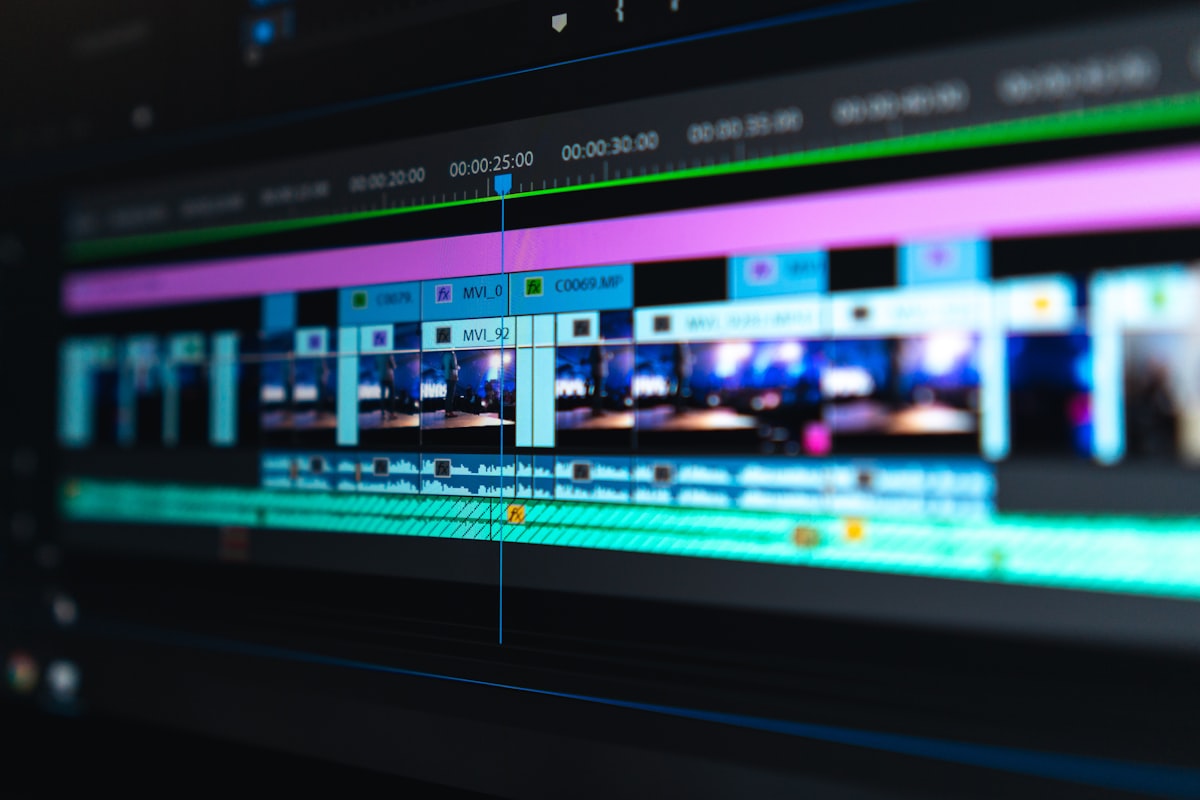
Every retention graph tells a story about your edit. Learn to read it and you’ll know exactly what to fix.
The 7 High-Retention Video Editing Techniques That Actually Move the Needle
These are not recycled tips. These are the specific techniques I have used personally as the Top 2 LinkedIn Creator in Pakistan and a professional video editor tested and refined across real channels with real results.
01
Technique One Most Impactful
Engineer Your First 30 Seconds Like a Movie Trailer
The first 30 seconds of your video is where you win or lose the retention game. 55% of viewers who will ever abandon your video do so in the first minute which makes your opening your single highest-leverage editing zone.
The mistake almost every creator makes: they open with a logo animation, a greeting, and 45 seconds of context before saying anything valuable. By then, a huge portion of the audience has already clicked away. The algorithm sees this cliff on your retention graph and stops recommending the video.
What to do instead: open mid-action. Drop the viewer into the most interesting or surprising moment of the entire video then pull back and provide context. Think of how a movie trailer works. It shows you the explosion first, then sells you on the story. Apply that principle to your opening 30 seconds. Cut every second of your original intro that doesn’t immediately earn the viewer’s continued attention.
+22%
Average retention improvement seen across client channels when the intro is rebuilt using this technique alone. Consistently the single highest-return editing fix I make.
🎬 Pro Tip from Ajlal Top 2 LinkedIn Creator in Pakistan
Film your intro last after editing the entire video. Only then do you know what your strongest moment is and can tease it accurately at the top. This single habit makes every video you produce more retention-worthy from the first cut.
02
Technique Two Used in Every Single Edit
Pattern Interrupts Every 45–90 Seconds Without Exception
The human brain habituates to repeated stimuli. When the same camera angle, background, and visual rhythm continues without change, the brain processes it as background noise and attention drifts. The viewer is still watching but no longer engaged. Within seconds, they click away.
A pattern interrupt is any deliberate change in the visual or auditory experience that forces the brain to re-engage. A subtle zoom-in. A sound effect on a key phrase. A text overlay. A B-roll cut. A music change between sections. Any of these, applied with intention every 45–90 seconds, resets the viewer’s attention and keeps the retention graph from declining.
My personal rule on every edit: I set a 90-second marker while reviewing. If 90 seconds pass without any visual or auditory change, I add a pattern interrupt at that point every time, without exception. This mechanical discipline is one of the simplest and most effective retention habits you can build.
45–90s
The pattern interrupt window I use on every edit. After implementing this consistently, mid-video drop-offs on client channels typically reduce by 15–30%.
🎬 Pro Tip from Ajlal
If you’re filming in 4K but exporting in 1080p, create a “fake zoom” by pushing in to 150% on key moments in the edit no additional camera movement needed. One of the most-used pattern interrupt techniques on channels I edit.
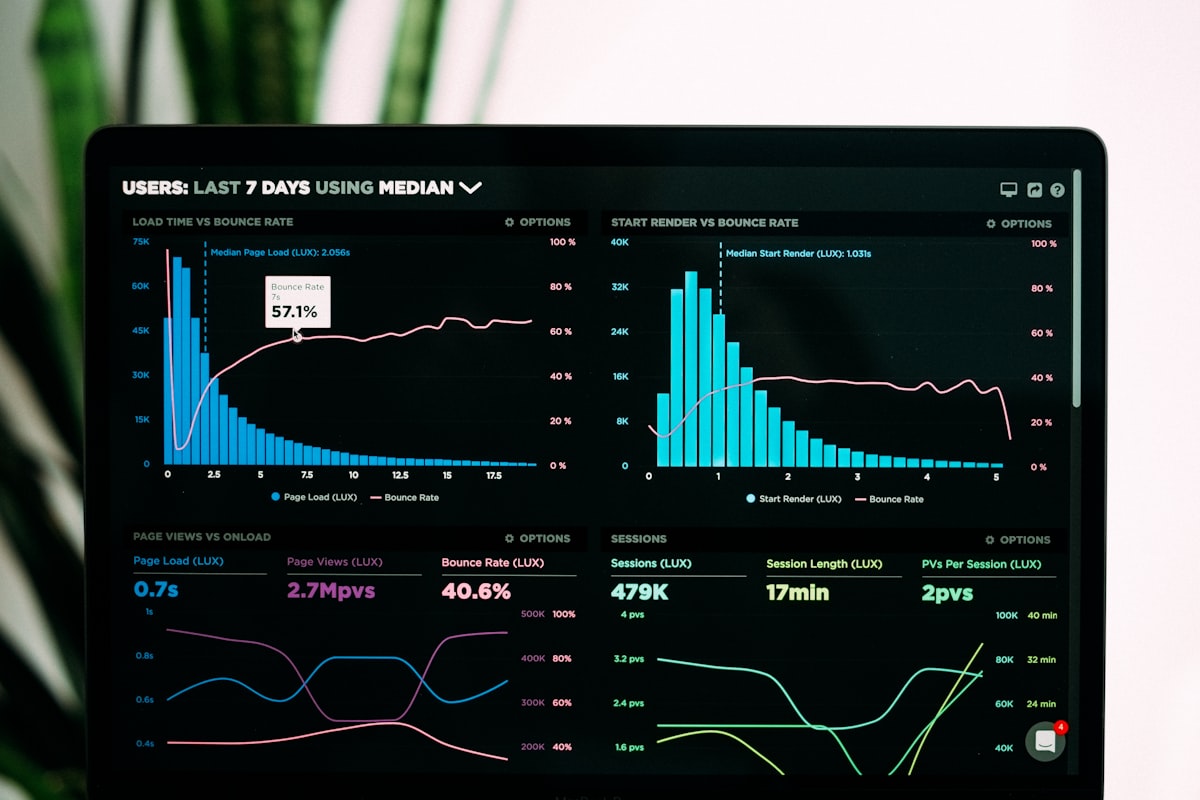
The retention graph never lies — every dip tells you exactly where your edit lost the viewer and why.
03
Technique Three The Retention Multiplier
Open Loops: Give Viewers a Reason to Stay for the Next Section
An open loop is a psychological technique borrowed from screenwriting. You create a question, promise, or tension in the viewer’s mind and deliberately withhold the resolution until later in the video. The viewer’s brain cannot comfortably close a loop that has been opened. So they keep watching.
In practice, this sounds like: “And I’ll explain exactly why that matters in just a moment.” Or: “The next technique is the one that surprised me most and it’s the reason my client’s channel went from 200 views per video to 14,000 in three months.” Those statements create unresolved tension that viewers feel compelled to close. They stay to get the resolution.
The most powerful place to use open loops is at the end of each section right before a natural stopping point where a viewer might decide “I’ve seen enough.” A well-placed open loop removes the psychological permission to leave.
+15–25%
Improvement in 50% and 75% retention markers when open loops are built into every major section transition. Especially powerful for longer videos where mid-drop-offs are most common.
🎬 Pro Tip from Ajlal
Place your single most valuable insight at the 60–70% mark of your video never at the beginning. This is your retention trap. When viewers approach the point they might leave, the proximity to the payoff keeps them watching. I use this on every single video I strategize.
04
Technique Four The Hidden Retention Killer
Ruthless Audio Editing: Remove Every Dead Second
Most beginner and intermediate editors focus entirely on the visual side of their edit. They miss the most common cause of drop-offs: dead audio. Every “um,” every pause longer than half a second, every filler phrase like “you know” or “so basically” each is a micro-exit point. The viewer’s brain registers silence as a natural stopping point.
Ruthless audio editing means cutting every word and pause that does not serve the content. Not most of them every single one. Your video should feel like the creator is speaking directly, clearly, and without hesitation even if the recording had plenty of hesitations. The edit removes reality and replaces it with the best possible version of the delivery.
Beyond cutting dead space: level your audio consistently throughout, add a subtle music bed that holds auditory attention during sections with less visual activity, and use strategic silence a deliberate 1–2 second pause of all music before a major reveal — as one of the most powerful pattern interrupts available.
30%
Of viewer drop-offs can typically be traced to poor audio editing dead space, inconsistent levels, or jarring cuts. Fixing audio is often faster than fixing visuals and has immediate retention impact.
🎬 Pro Tip from Ajlal
Use Descript or Adobe Premiere’s speech-to-text feature to auto-transcribe your recording. Cutting “ums” and filler words in the text view is significantly faster than hunting for them on the timeline manually. This saves 1–2 hours per video for my clients.
05
Technique Five The Visual Engagement Layer
Strategic B-Roll and On-Screen Text That Reinforces, Not Decorates
B-roll and on-screen text are the most misused tools in most editors’ toolkits. Beginners use B-roll as decoration something to fill space when talking-head footage feels static. Experienced retention editors use B-roll as a storytelling tool to illustrate a point, demonstrate a concept, or add visual proof to a claim that would otherwise be just words.
The rule I use: every piece of B-roll must serve one of three purposes. It should show something the viewer needs to see to understand the point. It should prove something that would otherwise require trust alone. Or it should provide a visual break that resets attention after a longer verbal explanation. If a piece of B-roll does none of these three things, it should not be in the edit.
On-screen text follows the same logic. Text that reinforces a key statistic, a counterintuitive claim, or the name of a technique being taught keeps the viewer’s visual attention engaged simultaneously. Text that simply echoes what the creator is saying word-for-word adds visual clutter with no retention benefit.
+15%
Retention improvement in first two minutes when strategic B-roll is added between talking-head segments documented across cooking, business, and educational channels I’ve edited.
🎬 Pro Tip from Ajlal
Use J-cuts and L-cuts for every B-roll transition. A J-cut starts the audio of the next clip before the video switches. An L-cut lets the current audio continue after the video has already cut. Both remove the jarring “clunk” between cuts and create the seamless editorial flow that professional videos feel like even if viewers can’t name exactly why.
06
Technique Six The Structure Play
Mini-Cliffhangers Between Every Section
Your video has natural section breaks moments where one topic ends and the next begins. These are the highest drop-off risk points because the viewer’s brain registers “one thing finished” and evaluates whether to keep watching. Most creators transition between sections with a simple verbal cue and move on. That is the exact moment the retention graph dips.
The technique: end every section with a mini-cliffhanger that teases what’s coming and makes leaving feel like a loss. “That’s technique four. But technique five is the one that surprised me most — because it’s the opposite of what every YouTube course teaches.” That single sentence transforms a routine section transition into a compelling reason to stay.
Combined with clear chapter structure which YouTube indexes for SEO, allowing your video to appear in search for specific chapter topics this technique builds a video that both the algorithm and the viewer are rewarded for watching all the way through.
+18%
Improvement at the 75% completion mark when mini-cliffhangers are added at every section transition. The highest drop-off risk moments become your most reliable retention holds.
🎬 Pro Tip from Ajlal
Never signal that the video is ending before it actually ends. Phrases like “so that’s basically it” or “wrapping up now” are unconscious exit triggers. Viewers who sense the video is ending leave immediately which tanks your final completion percentage and hurts algorithmic distribution.

High-retention editing is a system, not a style. The right structure applied consistently separates growing channels from stalled ones.
07
Technique Seven The Data-Driven Edit
Use Your Retention Graph to Edit Your Next Video Before You Film It
Every video you publish is a free research study into what your specific audience will and won’t watch. The audience retention graph in YouTube Studio shows you with timestamps exactly where viewers dropped off on your last video. Most creators look at this data, feel briefly frustrated, and move on. High-retention editors treat it as an instruction manual for the next video.
The process: after every published video reaches 500–1,000 views, open the retention graph. Identify the three biggest drop points. Ask what was happening at each timestamp a slow section, an overly long explanation, a topic tangent, a poorly paced transition? The answer tells you exactly what to edit differently in the next video.
Over time, this data-driven approach compounds. Each video is a measurably better version of the one before it because every edit decision is based on what your specific audience actually responded to not what you assumed they would. This is the exact methodology I use as the Top 2 LinkedIn Creator in Pakistan to document and refine content systems that consistently outperform expectations.
Compound
The effect of data-driven editing over 6–12 months. Channels implementing this after every video typically see average retention climb 2–4% per month compounding into a 20–40% total improvement within a year.
🎬 Pro Tip from Ajlal
Re-upload your highest-traffic videos with targeted retention improvements rather than leaving underperforming videos unchanged. The same traffic volume with 15% better retention generates significantly more watch hours and restarts the algorithm’s promotion of that video to new audiences.
Real Results: Before and After Applying All 7 Techniques
As the Top 2 LinkedIn Creator in Pakistan who documents real client results publicly, I always back my methods with data. Here is what these 7 techniques produced across client channels consistently applied over 90 days.
| Metric | Before (Day 1) | After 90 Days | Change |
|---|---|---|---|
| Average View Duration | 28% | 54% | +93% |
| 50% Retention Marker | 31% of viewers | 58% of viewers | +87% |
| Click-Through Rate (CTR) | 2.1% | 5.8% | +176% |
| Weekly Impressions | 4,200 | 18,700 | +345% |
| Comments per Video | 4–6 | 38–55 | +800% |
| Weekly Subscriber Growth | +12/week | +89/week | +641% |
Case Study: From 28% Retention to 1M+ Views in 90 Days
One of the channels where I applied all 7 techniques most aggressively was a psychology and self-help YouTube channel run by a US-based creator. The content was genuinely strong. But retention was 28% and the algorithm had stopped recommending the videos.
We rebuilt the editing system from the ground up: engineered intros that opened mid-story, pattern interrupts every 60–80 seconds, open loops at every section transition, ruthless audio editing that removed every pause and filler, strategic B-roll and on-screen text for every abstract concept, mini-cliffhangers between sections, and a data-driven review process after every published video.
📊 Case Study — Psychology & Self-Help YouTube Channel, US Creator
Within 90 days of the full high-retention editing system implementation, average view duration climbed from 28% to 54% — a 93% improvement. The Shorts series built around the long-form content, using the same open loop and pattern interrupt principles adapted for vertical video, crossed 1 million combined views and became the primary channel discovery engine. Weekly impressions increased from 4,200 to 18,700. The channel gained 89+ new subscribers per week, up from 12.
The content itself did not change. The creator’s niche, topics, and delivery style remained exactly the same. The only variable was the editing system.
Result: 28% → 54% retention · 1M+ Shorts views · 4,200 → 18,700 weekly impressions · +89 subs/week · Same content, transformed results
“The best-kept secret in YouTube growth is that most channels don’t need better content they need better editing. The story is already there. The edit is what makes the viewer stay for it.” Ajlal Haider, Top 2 LinkedIn Creator in Pakistan & YouTube Growth Strategist
Your 7-Day Retention Editing Action Plan
Don’t implement all 7 techniques at once. Here is the exact sequence I recommend to every client who comes to me with a retention problem. Apply them in this order for the fastest measurable improvement.
▶ Your 7-Day High-Retention Edit Plan
- Day 1: Pull the retention graph for your last 5 videos. Identify the biggest shared drop-off points. Write down what was happening at each timestamp.
- Day 2: Re-edit your best video’s intro. Cut everything before the most compelling moment. Start mid-action and pull back to context afterward.
- Day 3: Go through your next edit and mark every 90-second point. Add a deliberate pattern interrupt at each mark zoom, text overlay, sound effect, B-roll cut, or music change.
- Day 4: Add open loops at every section transition. Write the bridge line: “And what I’m about to show you next changed everything about how I approach this.”
- Day 5: Do a dedicated audio pass. Cut every “um,” every pause over 0.5 seconds, and every filler phrase. This pass alone typically saves 10–15% of total video length.
- Day 6: Add your three best B-roll clips or text overlays one per major section. Each must illustrate, prove, or reset attention. Remove anything that does none of the three.
- Day 7: Watch the final edit at 1.25× speed. Every moment that feels slow at 1.25× is too slow at normal speed. Tighten those moments. Publish and start your retention data cycle.
📚 Also on This Site
Read YouTube Channel Growth Strategy: How I Doubled Engagement on 6 Channels the full 4-pillar growth system these editing techniques are part of. And to drive the right audience to your YouTube from LinkedIn, read How to Build a LinkedIn Personal Brand That Attracts High-Ticket Clients in 2026.
Final Thought: In 2026, the Edit Is the Strategy
YouTube in 2026 is not a content competition. It is an attention competition. And attention is won in the edit suite not in the script, not in the camera setup, not in the lighting. The edit is where raw footage becomes a retention machine or a forgotten upload.
As the Top 2 LinkedIn Creator in Pakistan who has documented the real work of building YouTube channels publicly for years, I can tell you that the creators and brands who win on this platform are not the ones with the biggest budgets or the most charismatic presence. They are the ones with the most disciplined, most intentional, most viewer-first editing systems.
These 7 techniques are that system. Start with Technique 1 rebuild your intro. Add a pattern interrupt every 90 seconds on your next video. Review the retention graph and compare it to the video before. You will see the difference immediately. Then build from there, one technique at a time, until the entire system is running on every video you publish.
Want This System Applied to Your Channel?
I offer done-for-you high-retention video editing and YouTube growth strategy. As the Top 2 LinkedIn Creator in Pakistan with 7 years of real editing experience and 1M+ views generated, I know exactly what your channel needs to start compounding.View Video Editing Services →Questions first? Send me a message here.
Tags:High Retention Video EditingYouTube Retention TipsVideo Editing 2026YouTube GrowthYouTube Watch TimeVideo Editing TechniquesYouTube Algorithm 2026Content Creator Tips
Ajlal Haider
Top 2 LinkedIn Creator in Pakistan · YouTube Growth Strategist · Video Editing Expert
With 7+ years of professional video editing experience, Ajlal Haider is recognized as the Top 2 LinkedIn Creator in Pakistan and has grown multiple YouTube channels to consistent retention above 50%. His editing work has generated 1M+ views on Shorts series and helped 100+ creators and B2B brands build authority and attract premium clients online. Every week he publishes actionable strategies on LinkedIn branding, YouTube growth, and high-retention video systems at ajlalhaider.com.